
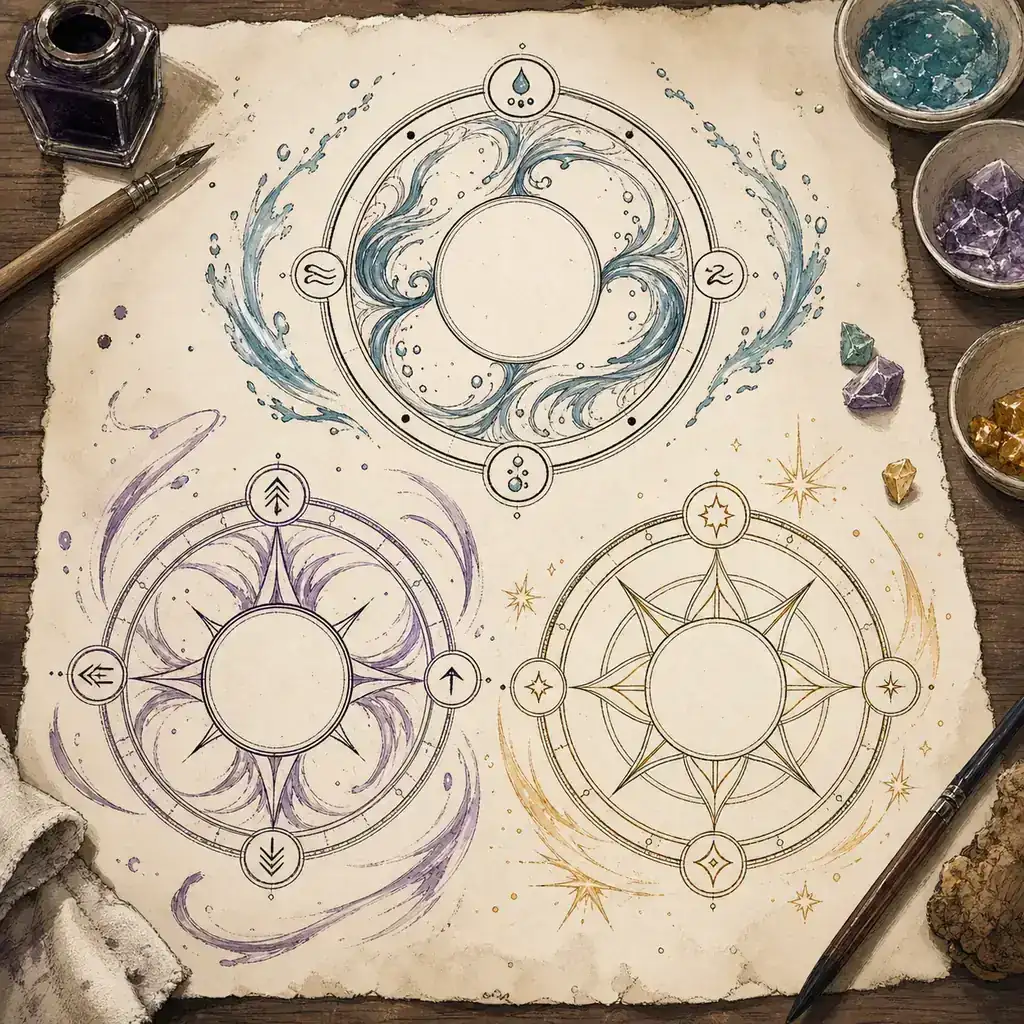
Witch Hat Atelier custom spells are best treated as creative design exercises. The useful question is not which dramatic name sounds official. It is what the circle is meant to do, which mark carries the main idea, what the surrounding signs change, and what limitation keeps the concept readable. That approach gives you a spell idea you can draw, explain, and test without turning fan terminology into canon.
How do you make a custom Witch Hat Atelier spell?
Begin with a sentence that describes an action rather than a name: this circle guides a small stream around an obstacle or this mark creates a dim light that lasts only while the ring is closed. Next decide what the reader should notice first. A central elemental idea is easier to understand than a page filled with unrelated decorations. Finally, add a boundary, a cost, or a condition that makes the design feel intentional.
This guide uses the visual language of Witch Hat Atelier as inspiration, but it does not reproduce a complete official dictionary. The story, published manga, anime, and official announcements remain the right sources for canon details. The diagrams here are original explanations, and the WHA Spell Simulator has its own small software vocabulary.
What does custom spell mean here?
In fan discussions, custom spell can mean several different things. It may be a reader-created magic circle, a community nickname for an effect seen in the story, a role-playing prompt, or a pattern designed for an interactive tool. Those uses should not be mixed together. A good page or post says whether a name is official, inferred from a scene, or invented by the creator.
| Layer of the idea | Question to answer | Safe example |
|---|---|---|
| Effect | What changes in the scene? | Moves water, bends light, lifts a small object, or guides wind. |
| Central motif | What should the eye read first? | One elemental shape or a simple symbol with a clear silhouette. |
| Modifiers | What behavior changes? | Direction, focus, lift, spread, speed, or containment. |
| Limit | When does the idea fail or stop? | Short duration, a narrow range, a line-of-sight condition, or a fragile ring. |
A repeatable framework for custom spell ideas
1. Start with an observable effect
Write the result as a verb and a noun. “Light” is a theme; “casts a soft light across a doorway” is a usable design brief. “Wind” is a category; “pushes loose dust away from a marked circle” gives you direction and scale. Concrete effects also make it easier to decide whether a future drawing is a tool experiment, a role-playing prompt, or a lore discussion.
2. Give the center one job
Pick one primary motif and leave it enough space to be recognized. A custom circle can look elaborate around the edge, but the center should not compete with three different elements at once. If you want a hybrid effect, describe the relationship in words first and make one part clearly primary. This keeps the idea readable even when the artwork is decorative.
3. Add behavior instead of decoration
Every extra sign should answer a practical question. Does the effect move inward, travel along a surface, spread over an area, or stay suspended? If a mark has no job beyond filling an empty space, remove it. A small set of intentional modifiers usually communicates more than a dense ring of unexplained symbols.
4. Add a limitation that creates identity
Limits are useful creative tools. A water idea might require a nearby source. A light idea might fade when the outer ring is interrupted. A movement idea might work only in one direction. These constraints are not claims about official magic rules; they are ways to make an original concept easier to draw, discuss, and balance.
Three original custom spell concepts
The following examples are prompts, not canon spell names. Each one is deliberately small enough to sketch and distinct enough to test as a fan-made idea.
| Original prompt | Center and behavior | Useful limitation |
|---|---|---|
| Water Path | A water-centered mark guides a narrow ribbon around a chosen point; a directional sign keeps the path from becoming a wide splash. | The path loses shape when the ring is too small or the destination is not clearly chosen. |
| Wind Lantern | A light-centered mark sits inside a gentle wind pattern so the glow follows a slow orbit rather than shining in every direction. | The effect is dim and short-lived; adding more signs should reduce clarity instead of increasing power. |
| Quiet Lift | A small object is represented by an earth or water motif with a lift-oriented modifier and a wide empty margin. | The circle is stable only while the object remains near the intended center. |
These prompts demonstrate a useful balance: a clear verb, a central image, a behavior change, and a reason not to keep adding complexity. If you publish your own version, explain which parts are your interpretation and which parts come from the simulator's supported dictionary.
How to draw a readable magic circle
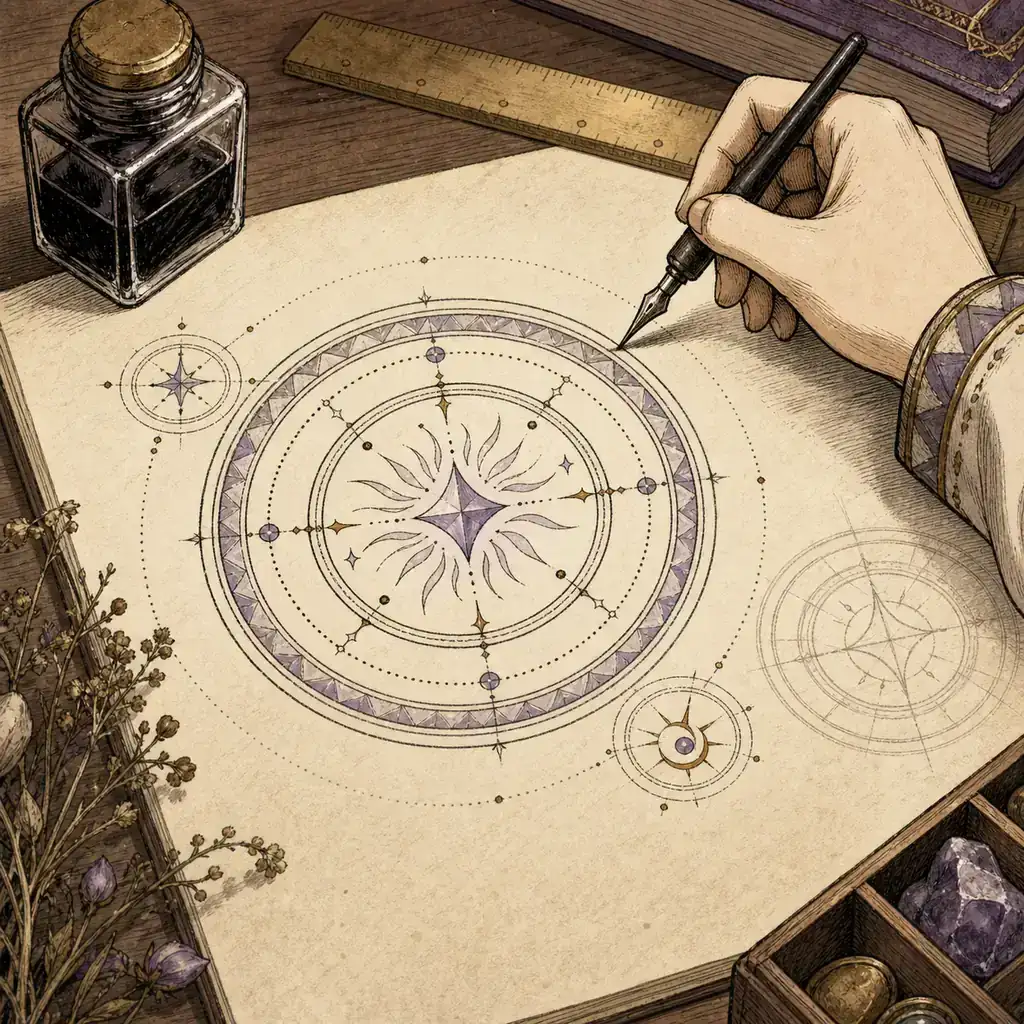
When a creative idea becomes a drawing, readability matters more than ornament. A viewer should be able to point to the center, the behavior marks, and the outer boundary without guessing where one layer ends. The browser simulator has an additional constraint: separate strokes and sensible spacing help its geometric matcher distinguish candidates.
- Write the effect sentence first. Keep the first version narrow enough to explain in one breath.
- Place the primary mark near the center. Leave a margin so the ring and modifiers do not contaminate the main silhouette.
- Add one modifier at a time. Test whether the new mark changes direction, lift, focus, or spread in the way you intended.
- Draw the outer ring last. The boundary should frame the idea, not hide unfinished interior strokes.
- Make a clean version and a decorative version. The clean version is easier to troubleshoot; the decorative version can be shared as artwork.
For the browser workflow, the existing Witch Hat Atelier spell drawing guide covers pointer input, ring closure, erasing, and common recognition errors. Use it when the design is clear on paper but the tool reports an ambiguous sigil.
How to adapt an idea to the WHA Spell Simulator
The simulator is an interpretation, not a canon engine. Its current local dictionary recognizes Fire, Water, Wind, Earth, and Light primary sigils plus Column, Levitation, and Convergence signs. It can turn a compact fan-made concept into an animated result, but it cannot validate a spell name, prove a lore claim, or reproduce every circle from the series.
- Use the sigil and sign reference to choose one primary shape and a small number of modifiers.
- Load the prepared spell examples before experimenting with a new arrangement.
- Change one variable at a time so you can tell whether a result came from the center, a sign, the ring, or the drawing quality.
- Describe the output as a site-specific fan interpretation, especially when sharing a screenshot or exported PNG.
A useful experiment log has four lines: intended effect, primary mark, modifier change, and what the browser actually recognized. That record lets you improve the drawing without pretending that a software score is an official ranking of magic.
Common mistakes and canon boundaries
The most common mistake is treating visual confidence as evidence. A complicated circle may look convincing while having no clear effect sentence. The opposite mistake is copying a community label and presenting it as an official spell title. Keep the distinction visible in captions, tables, and social posts.
- Do not call an invented name canon unless an official manga, anime, publisher, or creator source uses it.
- Do not present an AI-generated concept image as a screenshot, official art, or recovered diagram.
- Do not add five elements when one primary idea would make the result clearer.
- Do not use the simulator's quality, force, or stability values as story facts.
- When a design is inspired by a scene, link or cite the official context and label your additions as interpretation.
Witch Hat Atelier custom spells FAQ
How can I make my own Witch Hat Atelier spell?
Start with one effect sentence, choose one center motif, add one or two behavior changes, and finish with a clear outer ring. The result should be labeled as a fan-made concept unless an official source confirms the name or rule.
Can I test a custom spell in the simulator?
Yes, if the idea can be expressed with the simulator's supported Fire, Water, Wind, Earth, or Light sigils and its Column, Levitation, or Convergence signs. The animation is a site-specific interpretation, not a canon verification.
What is the difference between a custom spell and a spell list?
A spell list helps readers find categories or story references. A custom spell is an original creative proposal. Keep the two separate so a fan-made prompt is not mistaken for an official catalogue.
Do custom magic circles have to follow official rules?
They should respect the source when you are discussing canon, but a fan-made design can use an openly stated creative rule set. Say which parts are inspired by the series and which parts are your own invention.
Are the images on this page official Witch Hat Atelier diagrams?
No. They are original explanatory concept illustrations made for this guide. They do not show official artwork, a real game interface, or a canon magic-circle reference.
Summary
The strongest Witch Hat Atelier custom spells begin with a small, observable action. Build from one center, use modifiers to explain behavior, add a limitation, and keep the outer ring clean. Then use the existing references and simulator to test the drawing while keeping the line between canon and fan-made ideas visible.
Sources and further reading
- Official Witch Hat Atelier anime page — first-party context for the series and promotional material; it is not a source for the original prompts on this page.